

If you want to prepare thumbnails of your screenshots, schemes or other
images containing textual information, select Anti-alias processing in
the Options dialog.
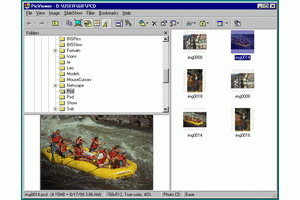
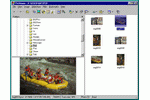
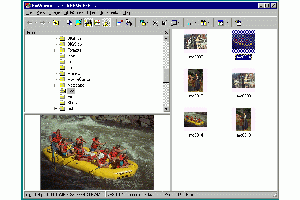
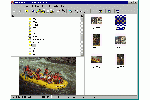
The following images show the difference between Normal and Anti-alias
thumbnail processing. The two thumbnails at the right
(300 x 200 and 150 x 100 pixels) were generated in Anti-alias and
Normal mode of the program.

|

|
|
|
|
|
|
|
|